RBAC, Policies and Audit Trail in the Open-Source Rendezvous
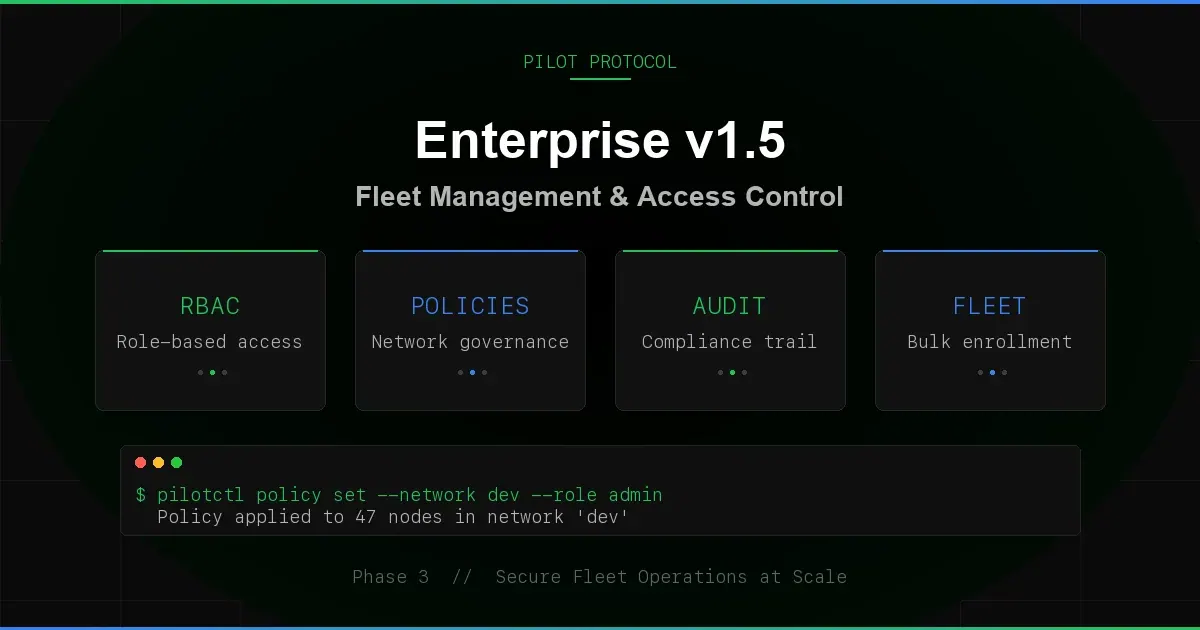
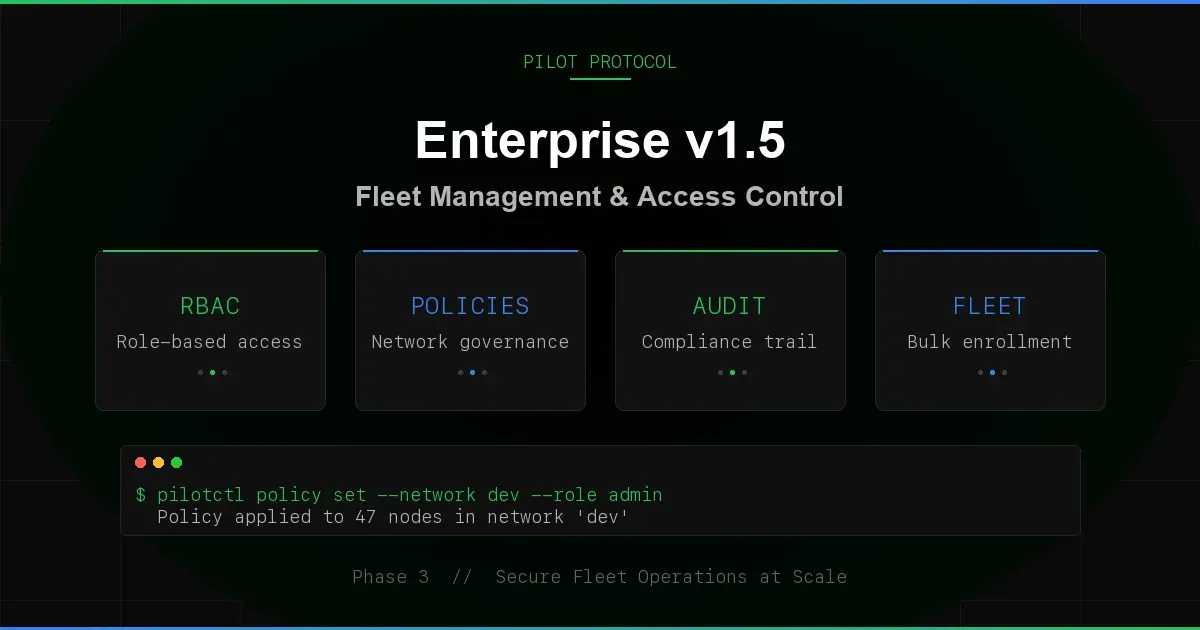
The Pilot rendezvous (the registry and beacon that every daemon talks to) has network roles, network policies, consent-based invites, a structured audit trail, fleet enrollment, signed webhooks, key lifecycle metadata and a health endpoint. These first shipped in v1.5.0-rc1 in March 2026. The server is open source under AGPL-3.0 at github.com/pilot-protocol/rendezvous.
Updated October 2026. This post first described the v1.5 milestone. It now describes the open-source rendezvous as it works with pilotctl v1.18.0. Creating a network needs the registry's admin token. On the public backbone that token is held by its operators, so you use these controls on a rendezvous you run yourself. Nobody provisions or manages networks for you.
Where These Controls Live
Everything below is enforced by the rendezvous process. A daemon joins your registry instead of the public one when you point it there:
# Build and start your own registry + beacon (one process)
git clone https://github.com/pilot-protocol/rendezvous && cd rendezvous
go build ./cmd/rendezvous
export PILOT_ADMIN_TOKEN=$(openssl rand -hex 32)
./rendezvous -registry-addr :9000 -beacon-addr :9001 \
  -store /var/lib/pilot/registry.json -http 127.0.0.1:3000 -log-format json

# Point a node at it
pilotctl init --registry registry.example.com:9000 --beacon registry.example.com:9001
pilotctl daemon start
With an empty admin token the registry disables network creation. The admin commands in pilotctl read the token from PILOT_ADMIN_TOKEN or admin_token in ~/.pilot/config.json. The repository README describes itself as a source-transparency note, not an operations guide, so treat this as the minimum setup rather than a hardened deployment.
The Per-Network Enterprise Flag
Roles, policies and invites act on networks that carry the registry's enterprise flag. It is a per-network switch in the open-source code, not a product tier. Set it when you create the network, or later with the set_network_enterprise registry message (admin token only). Turning it on gives existing members roles; turning it off clears them.
# Create an invite-only network with the enterprise flag (admin token required)
pilotctl network create --name prod-fleet --join-rule invite --enterprise --node-id 686
The node named with --node-id becomes the network's owner. Invite-only networks require the enterprise flag; the registry rejects --join-rule invite without it.
Role-Based Access Control
A network with the enterprise flag has three roles: owner, admin, and member. Nodes that join with a token or accept an invite start as members.
- Owner - can promote, demote and kick, and transfer ownership.
- Admin - can invite nodes, kick members, and set the network policy. Cannot promote or demote, and cannot kick other admins.
- Member - can reach other members of the network. No management rights.
The registry authorizes a management request if any one of three checks passes: the global admin token, the network's own admin token (set with --network-admin-token at creation), or the requesting node's role in that network.
# Promote a member to admin
pilotctl network promote 1 686

# Demote an admin back to member
pilotctl network demote 1 686

# Remove a node from the network
pilotctl network kick 1 687

# Show a node's role
pilotctl network role 1 686
From pilotctl, promote, demote and kick authenticate with the admin token. The registry refuses to kick the owner, to promote or demote the owner, and to let admins kick each other. Ownership moves with the transfer_ownership registry message (there is no CLI command for it): the old owner becomes an admin and the transfer is recorded in the audit trail.
Network Policies
A policy limits a network's membership and the ports its members may use:
- max_members - cap the number of nodes, 0 to 10,000 (0 means no limit). Joins beyond the cap fail with
network membership limit reached, and the cap cannot be set below the current member count. - allowed_ports - the ports available inside the network, up to 100 entries. Empty means all ports.
- description - free text, up to 256 characters.
Updates merge: setting max_members leaves allowed_ports as it was. Policies require the enterprise flag, and setting one requires an owner, an admin or an admin token.
# Show the current policy
pilotctl network policy 1

# Set a membership cap
pilotctl network policy 1 --max-members 50

# Restrict ports
pilotctl network policy 1 --allowed-ports 80,443,7
Consent-Based Invites
Invites never add a node silently. Joining a network changes who can reach you, so the invited node has to accept:
- An owner or admin invites a node:
pilotctl network invite 1 686 - The invited node lists its invites:
pilotctl network invites - It accepts or rejects:
pilotctl network accept 1orpilotctl network reject 1 - On acceptance the node joins as a
member.
These commands go through the local daemon, which signs each request with the node's Ed25519 key. A repeated invite returns already_invited instead of a duplicate. Each node's invite inbox holds at most 100 invites, pending invites expire after 30 days, and the inbox is saved with the registry snapshot. A plain join on an invite-only network is refused and points to the invite flow.
Structured Audit Trail
Registry mutations emit an audit event through slog. Run the registry with -log-format json and the log is ready for a SIEM or jq:
# Stream audit events from wherever the registry's log goes
tail -f /var/log/pilot-registry.log | jq 'select(.msg=="audit")'

# Or read the registry's in-memory audit log
pilotctl extras audit --network 1
Each event carries an audit_action and the IDs involved as structured attributes, so no string parsing is needed. The in-memory log keeps the latest 1,000 entries; pilotctl extras audit returns up to 100 of them, newest first, and needs the admin token. Actions include:
| Category | Actions |
|---|---|
| Nodes | node.registered, node.re_registered, node.deregistered, node.reaped |
| Networks | network.created, network.deleted, network.renamed, network.policy_changed, network.enterprise_changed |
| Membership | network.joined, network.left, member.promoted, member.demoted, member.kicked, network.ownership_transferred |
| Invites | invite.created, invite.responded |
| Trust | trust.created, trust.revoked, handshake.relayed, handshake.responded |
| Settings | visibility.changed, hostname.changed, tags.changed |
| Keys | key.rotated, key.expiry_set, key.expiry_cleared |
To send these events to Splunk, a syslog collector or any HTTP endpoint, see identity, directory sync and audit export.
Fleet Enrollment
Putting many agents into the same networks is a configuration change rather than one command per node. The daemon takes two flags for it:
# Start a daemon that joins networks 1 and 3 at startup
pilot-daemon -registry registry.example.com:9000 -beacon registry.example.com:9001 \
  -admin-token $PILOT_ADMIN_TOKEN -networks 1,3
At startup the daemon joins each listed network with the admin token. A failed join, including "already a member", is logged as a warning and does not stop the daemon. Each successful join publishes a network.auto_joined webhook event. Because the flag carries the registry admin token, use it only on machines you would trust with that token.
Webhook Reliability
The daemon's webhook client (pilotctl extras set-webhook <url>, or --webhook on daemon start) delivers events with a few guarantees:
- Sequential event IDs. Every event has an increasing
event_id, so a consumer can spot gaps and order events. - Retry with backoff. Network errors and 5xx responses are tried up to three times, waiting 1 s and then 2 s. A 4xx response is treated as permanent and not retried.
- Circuit breaker. After five consecutive failed events the client stops posting for 30 seconds, then probes again.
- Signatures. When a secret is configured (
webhook_secretin the config, orPILOT_WEBHOOK_SECRET), each body is signed with HMAC-SHA256 in theX-Pilot-Signature-256header. - Dropped counter. When the queue is full, events are dropped and counted rather than blocking the daemon.
On shutdown the client waits up to 5 seconds for its queue to drain, then abandons what is left.
Key Lifecycle
The registry keeps metadata for each node's Ed25519 identity key, returned by the get_key_info registry message:
- created_at - when the key was first registered.
- rotated_at - when the key was last rotated, if ever (
pilotctl rotate-key). - rotate_count - how many times it has been rotated.
- expires_at - an optional expiry, at most 10 years ahead.
- key_age_days - the key's age, computed from the last rotation or creation.
A node sets its own expiry with the signed set_key_expiry message, which requires membership of an enterprise-flagged network. Once a key has expired, the registry rejects its heartbeats and records key.expired_heartbeat_blocked. That lets you enforce a rule such as "rotate every 90 days" at the registry.
Health Endpoint and Metrics
When the registry runs with -http, it serves /healthz on that listener:
curl http://127.0.0.1:3000/healthz
{"nodes_online": 12, "status": "ok", "uptime_seconds": 86412, "version": "1.0"}
The same listener serves Prometheus metrics at /metrics, to localhost only: request counts and durations per message type, audit actions, and per-network gauges such as pilot_network_members. On a node, pilotctl health reports the local daemon's health over IPC.
Registry Hardening
- Connection limits. A maximum number of concurrent connections is enforced at accept time.
- Message size cap. Registry messages over 64 MB are rejected before they are read.
- Rate limits. Per-IP token buckets, a process-wide request cap, and a cutoff for a single connection that sustains more than 500 requests per second.
- Snapshot checksums. The registry's state file is integrity-checked on load, so a corrupted snapshot is detected instead of loaded.
Secure Channel Authentication
Encrypted tunnels verify identity during the key-agreement handshake. Both sides present Ed25519 signatures, and the tunnel records the authenticated PeerNodeID. Current releases derive peer-specific secrets from daemon-lifetime X25519 keys; this authenticates the peer but does not provide per-session forward secrecy.
The v1.5 rollout included a compatibility transition for older peers. Current guidance is to require authenticated peers and apply the controls described in the security documentation.
Network Commands in pilotctl
Membership commands go through the local daemon and are signed with the node's identity. Administrative commands go straight to the registry with the admin token.
# Networks this node belongs to
pilotctl network list

# Join a token-gated network, or leave one
pilotctl network join 1 --token my-secret
pilotctl network leave 1

# List members
pilotctl network members 1

# Invites
pilotctl network invite 1 686
pilotctl network invites
pilotctl network accept 1
pilotctl network reject 1

# Admin token: create, rename, delete
pilotctl network create --name staging --join-rule token --token my-secret
pilotctl network rename 2 staging-eu
pilotctl network delete 2
Run pilotctl network --help for the full list. The same admin commands are also listed under pilotctl extras.
Run the Controls on Your Own Registry
Build the open-source rendezvous, point your daemons at it, and create a network with roles and a policy.
Network Docs · Rendezvous Source · Get Started